

RedChirp now integrates with Wineshipping:
Delivering alcohol is hard. Weather extremes could necessitate delays. Someone over the age of 21 needs to sign for it. There are only so many chances before failed deliveries turn into costly returns. And rising prices — and customer expectations — significantly raise the stakes for your DTC operation.
RedChirp and Wineshipping have worked together to integrate their two platforms so you can now elevate your delivery experience with completely automated text notifications about all the most important delivery events.
Learn more at our upcoming webinar:
Attend our upcoming webinar on Tuesday, February 28th at 10:00 AM PST to learn how Wineshipping's Premium Tracking events can power RedChirp Automated Messages to deliver highly specific and helpful text messages:
- when a customer's wine has been put on a weather hold
- is out for delivery
- a delivery attempt has failed
- and more!

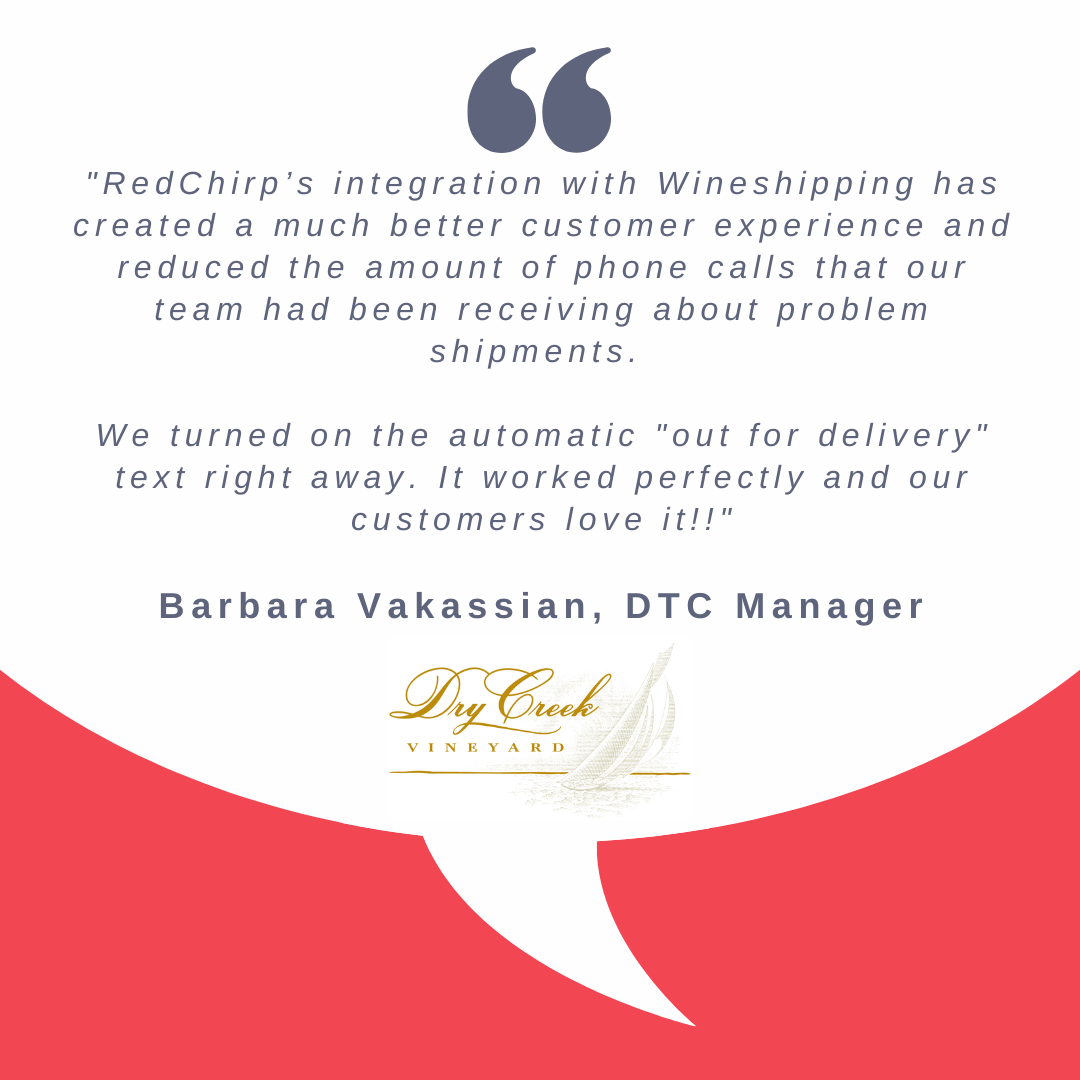
Turning on the Wineshipping integration:
- First, add this integration to your RedChirp account: Main Menu > Organization Settings > Integrations > (+) > Wineshipping.
- It does not matter if the “Enabled” field is on or off; RedChirp will automatically turn on the integration when it receives its first premium tracking event from Wineshipping.
- Don’t worry! No automated messages will send until/unless you set them up (see two bullets below).
- Let your Wineshipping customer service representative know that you want to turn on the RedChirp integration.
- Wineshipping has access to a link tree that they will use to get your individualized RedChirp webhook URL; they will use this to connect your Wineshipping and RedChirp accounts
- Set up your automated messages! There are six that you can add:'
- Wineshipping: Available for Pickup
- Wineshipping: Info Received
- Wineshipping: Out for delivery
- Wineshipping: Delivery Attempt Failed
- Wineshipping: Exception
- Wineshipping: Delivered
Read more details about the integration:
Learn more here.